Correction
Balanced photos. Matching frames.
Correct exposure and white balance, straighten a chosen tilt, and crop the rotated result back to its original dimensions.
Capability
What it does
Photo enhancement helps a usable source frame look consistent with the rest of its listing’s photos. The Auto-correct surface includes exposure and white-balance controls. Exposure correction can lift a dark image toward a measured midpoint, while white balance reduces a color cast cautiously. These are deterministic pixel corrections; the page does not promise a newly rendered vehicle or invented detail.
Straightening is a separate geometry step in the saved correction chain. You choose whether to use it and supply the tilt to apply; a zero tilt does not rotate the photograph. When rotation changes the canvas, the provider center-crops the result back to the original width and height so transparent bars are not left around the delivered frame. Each step creates derived work and leaves the uploaded source unchanged.
Exposure correction
The deterministic Auto-correct step measures the image and lifts a dark frame conservatively without treating the vehicle as generated content.
White balance
A cautious color-cast correction can use subject-scoped statistics so a bright studio background does not dominate the measurement.
Straighten and crop
The geometry step applies the supplied tilt and center-crops the rotated output back to the source dimensions, avoiding letterbox bars.
Workflow
How it works
- 01
Check the source
Compare the frame with neighboring listing photos and decide whether exposure, white balance, or a visible tilt needs correction.
- 02
Apply chosen corrections
Run Auto-correct for exposure and white balance, then enable Straighten with the tilt you want the geometry step to use.
- 03
Review the crop
Compare the derived version with the original and confirm that the center crop preserves the full vehicle and important condition details.
Example
See the difference
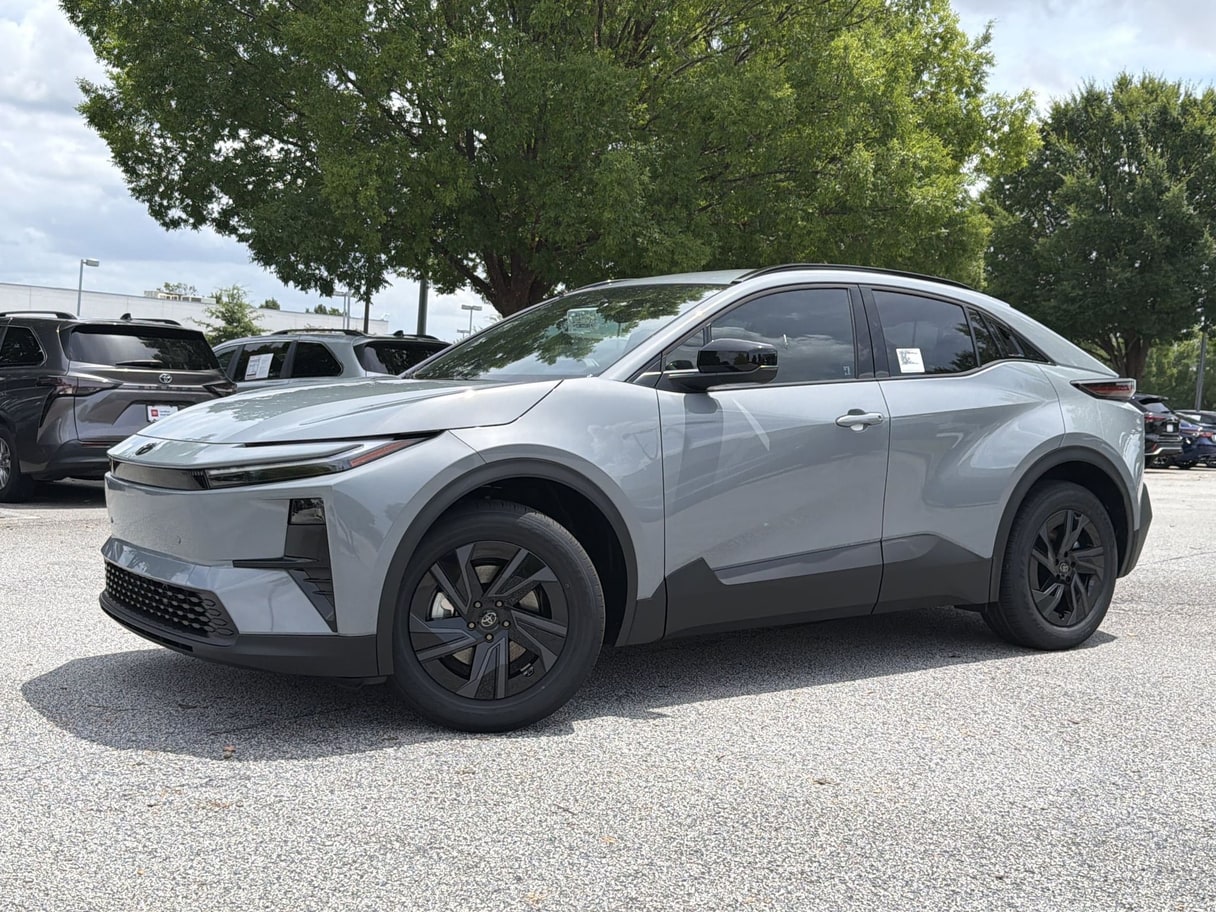
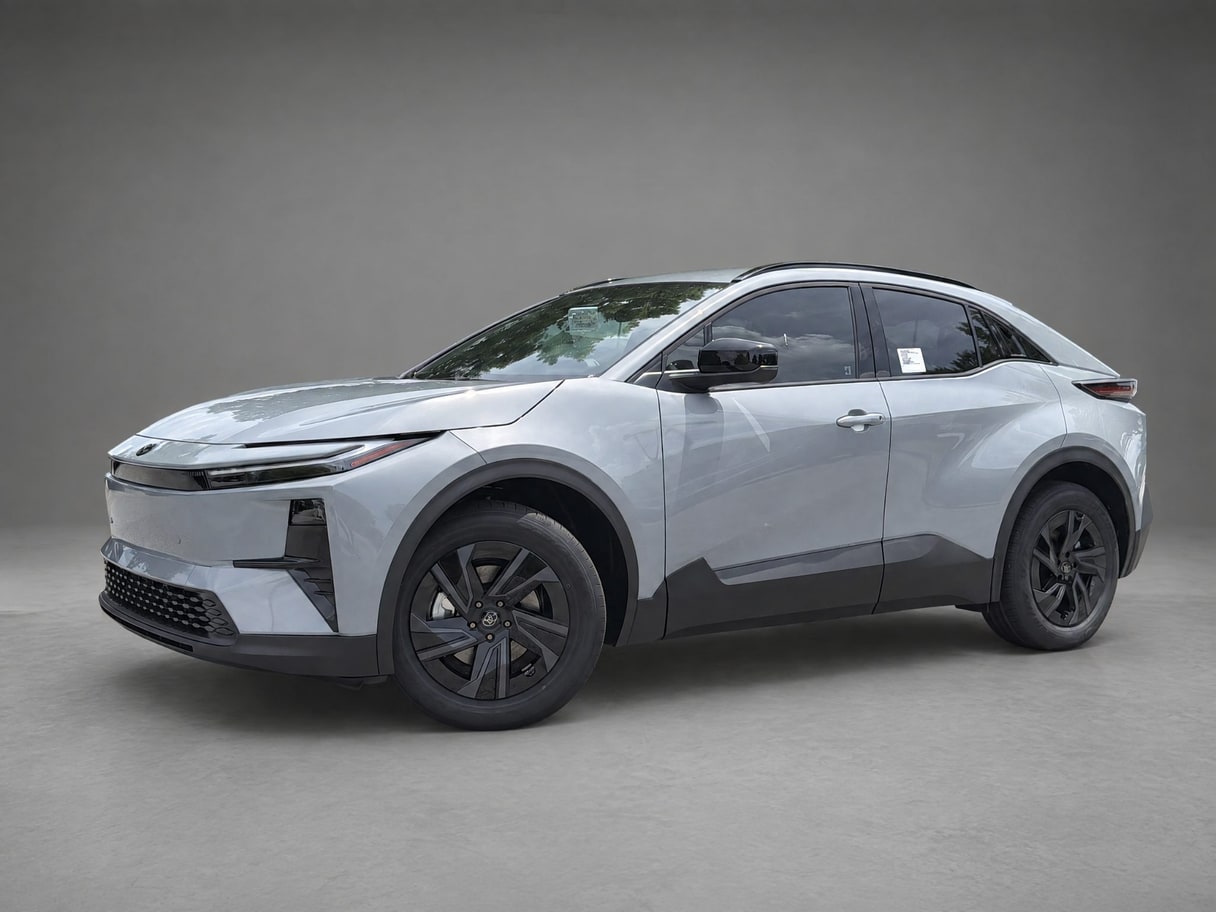
Workflow
Where it fits
Use enhancement when mixed capture conditions make one gallery feel uneven: a dark frame, a visible lighting cast, or a tilted horizon can distract from the vehicle. Correct those presentation issues before choosing the final image order or generating other listing media.
Correction cannot recover facts that the camera never captured. Severe clipping, motion blur, missing edges, and blocked details may call for another photo rather than a stronger edit. Keep adjustments conservative, inspect the original beside the result, and preserve condition exactly as photographed.
Pricing
Free to start
Start free. Credit plans begin at $49 per month, and the one-off Listing Pass is $39 for a single listing.
See pricingFAQ
Photo enhancement, answered.
What does Auto-correct change?
This page names the verified workflow used here: exposure and white-balance correction, plus the separate straighten and resulting crop steps you choose.
Is straightening automatic?
The geometry surface is enabled by choice and applies the supplied tilt. It does not claim to detect a nonzero horizon angle automatically.
Does it overwrite originals?
No. Corrections produce derived versions. The uploaded original remains untouched so you can compare results or begin a different correction from the source.
Sources
- VehiclePhoto pricing — Published credit-plan, Listing Pass, and free-start information.