For Cars.com listings
How many photos should you upload to Cars.com?
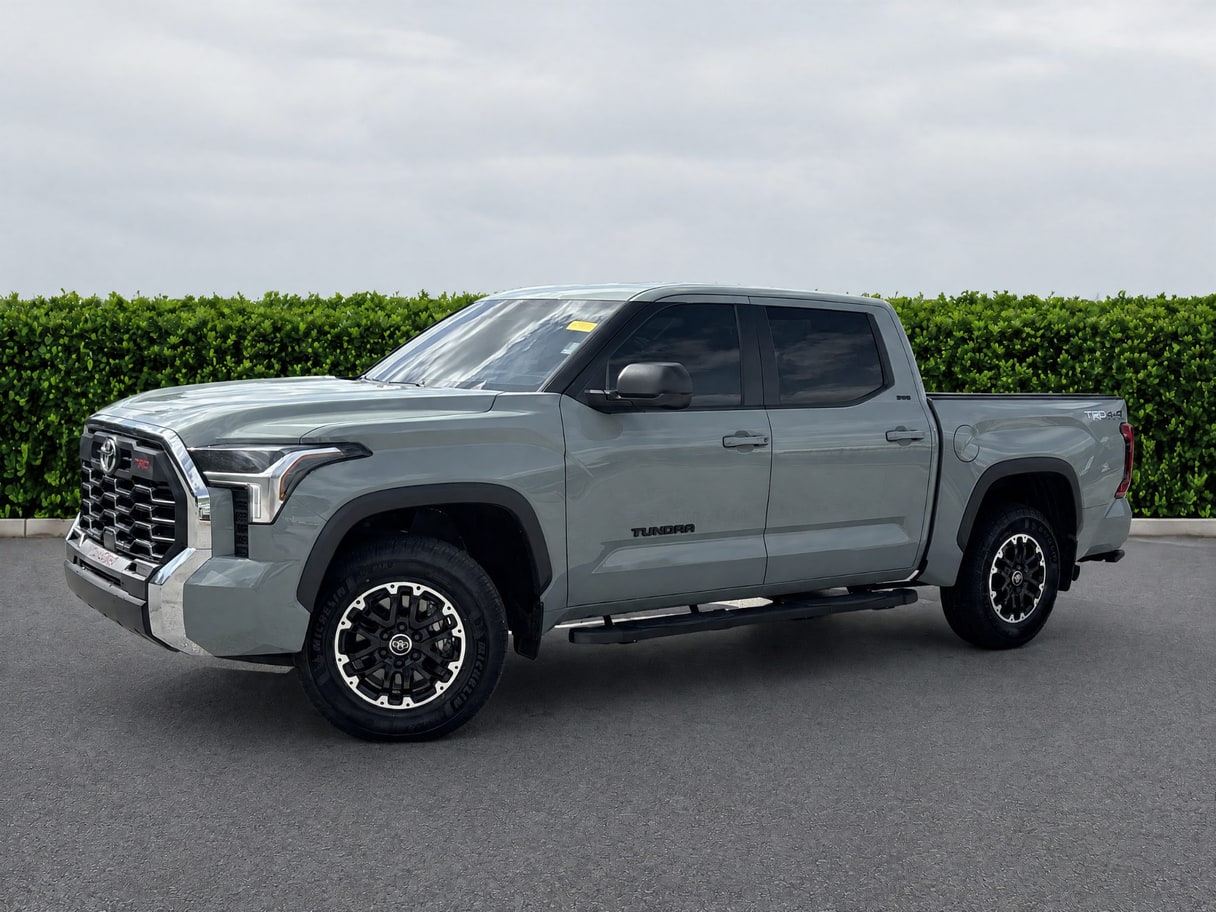
Cars.com is a new and used marketplace where both dealers and private sellers list, and it draws a clear line for dealers: any photos or video in a listing must accurately depict the actual vehicle for sale, not a stand-in. Its separate ‘Selling Your Car’ guide, written for private sellers though the guidance likely helps a dealer listing too, recommends a photo count range (in the table below), always starting with a passenger-side three-quarter angle in landscape orientation, and walks through a specific shot list: eight exterior angles, three interior shots, and four detail shots covering the engine, a tire, the trunk and the odometer. Cars.com's photo guide and listing policy give no file-size limit, format list or watermark policy — see what's not published, below.
Every rule links to Cars.com’s own pages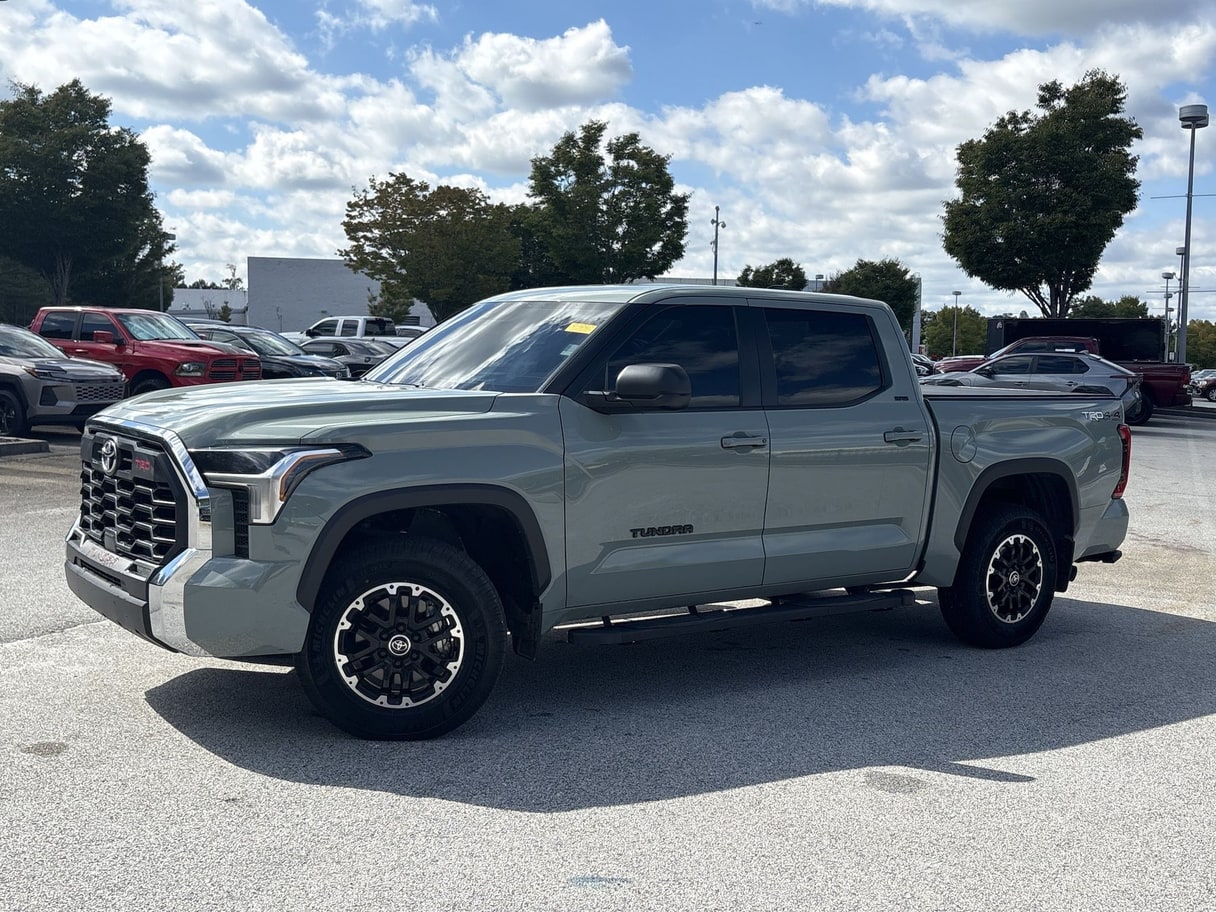
What Cars.com sells
New and used cars and trucks, listed by dealers and private sellers.
Published specs
What Cars.com actually publishes.
Each rule links to Cars.com’s own page.
Photo accuracy requirement (dealer listing policy)
Photos and video must accurately depict the actual vehicle for sale
“If a Dealer listing contains media content, including images and videos, the media must accurately depict the vehicle the Dealer is selling.”
Photo count (private-seller guidance)
Minimum 1 photo, up to 30
“a minimum of one photo — or up to 30”
Published in a 'Selling Your Car' consumer article; it's unclear whether this also governs dealer listings or is aimed at private sellers only.
Orientation
Landscape (horizontal) required
“landscape (i.e., horizontal) orientation”
Same 'Selling Your Car' consumer article — unclear if it governs dealer listings too.
Recommended first photo
A passenger-side three-quarter angle
“The first photo should always be a passenger-side three-point angle”
Same 'Selling Your Car' consumer article — unclear if it governs dealer listings too.
Quantity guidance
Use every available photo slot
“Most importantly, use all of the photo slots provided for you”
Same 'Selling Your Car' consumer article — unclear if it governs dealer listings too.
Recommended exterior shot list
Left front, front, right front, left rear, rear, right rear, left side, right side (8 shots)
“Left front (offset), Front, Right front (offset), Left rear (offset), Rear, Right rear (offset), Left side, Right side”
Same 'Selling Your Car' consumer article — unclear if it governs dealer listings too.
Recommended interior shot list
Dash, driver's seat, back seat (3 shots)
“Interior dash, Driver's seat, Backseat”
Same 'Selling Your Car' consumer article — unclear if it governs dealer listings too.
Recommended other shots
Engine, tire, trunk, odometer (4 shots)
“Engine, Tire, Trunk, Odometer”
Same 'Selling Your Car' consumer article — unclear if it governs dealer listings too.
Honest gaps
What Cars.com does not publish.
We only publish what Cars.comitself documents. Where it hasn’t published something, we say so plainly instead of guessing or borrowing a number from somewhere else.
- ResolutionNot published by Cars.com.
- Maximum file sizeNot published by Cars.com. Figures quoted elsewhere don't trace back to a Cars.com page.
- Accepted formatsNot published by Cars.com.
- Aspect ratio beyond ‘landscape’Not published by Cars.com.
- Watermark policyNot published by Cars.com.
- Edited or AI-image policyNot published by Cars.com.
- A tiered per-plan photo cap for dealersNot published by Cars.com. Tier counts quoted elsewhere don't trace back to a Cars.com page.
- Its own performance statNot published by Cars.com.
How VehiclePhoto helps here
Cars.com's own policy requires photos to accurately depict the actual vehicle for sale. VehiclePhoto's cleanup — background, lighting, framing — never changes the vehicle itself, so what you post stays accurate while looking sharper.
FAQ
Cars.com, answered.
Does Cars.com require a minimum number of photos?
Its 'Selling Your Car' guide says a minimum of one photo, up to 30, and tells sellers to use every photo slot available. It's unclear whether that guidance is meant for dealer listings specifically or private sellers only — we flag that ambiguity rather than guess.
Does Cars.com have a maximum file size for photos?
No. Cars.com doesn't publish a file-size limit in its picture-perfect-ad guide or its dealer listing policy. Ask Cars.com before you resize to a figure from anywhere else.
What's the recommended first photo on Cars.com?
A passenger-side three-quarter angle, according to Cars.com's own picture-perfect-ad guide — that's the shot its own article says should always come first.
Does Cars.com require photos to show the real vehicle?
Yes — its dealer listing policy is explicit that any photos or video in a dealer listing must accurately depict the actual vehicle being sold. We take that line seriously: we never suggest presenting a differently-equipped or different-condition vehicle as the one for sale.